M Mart
Order ahead. Skip the wait.
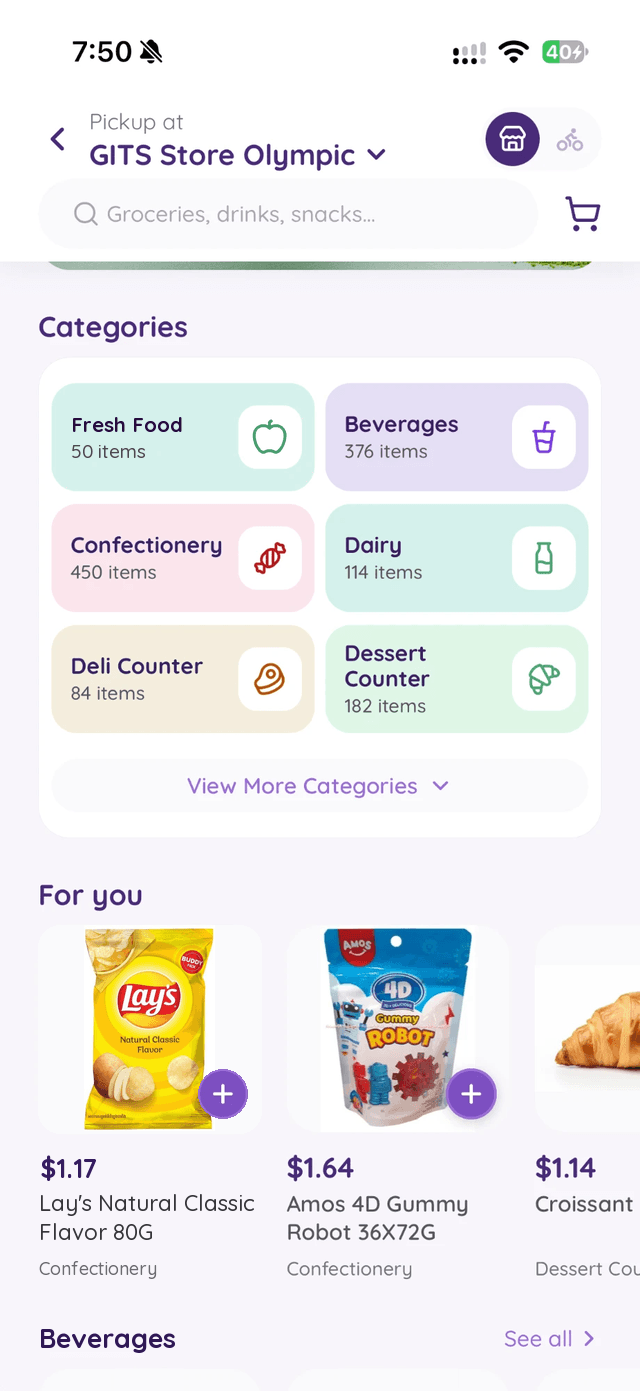
Shop the shelves of the store near you, see what is in stock, and pick up with your code when it is packed.
The MSuper app
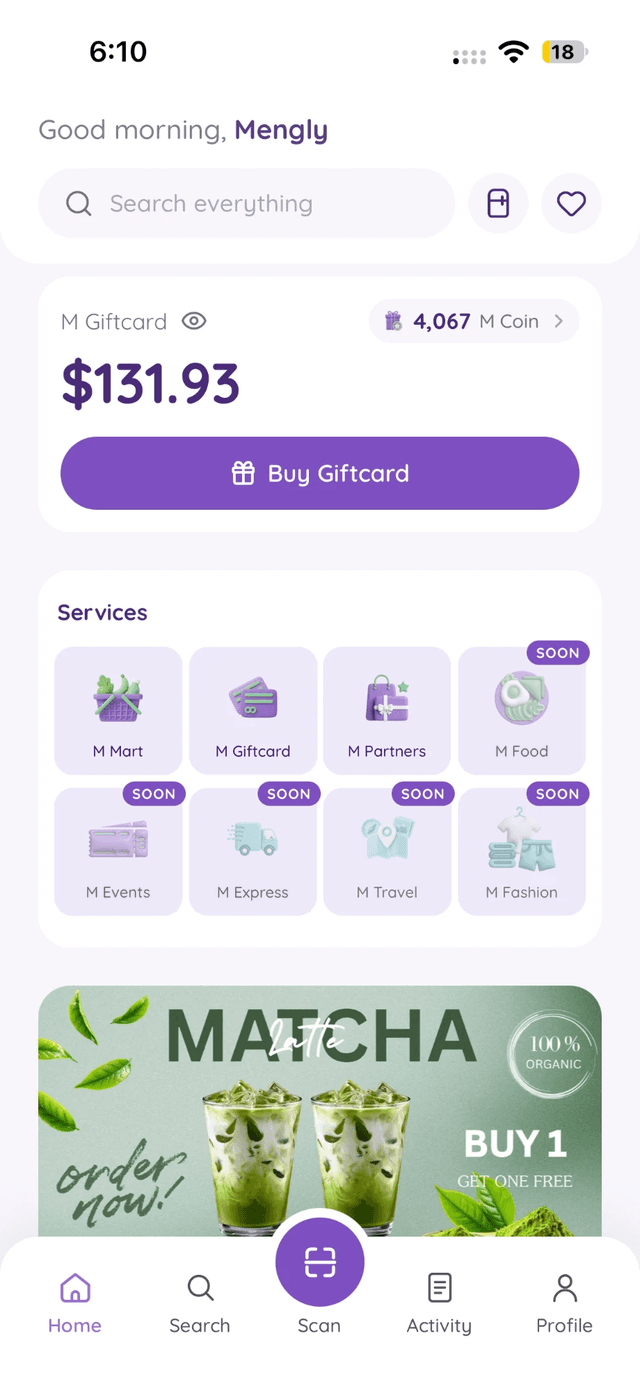
MSuper brings M Mart, your M Giftcard and M Partners discounts into one app, with M Coins on everything you buy.


Ready for pickup · MM-0042
 M Mart
 M Giftcard
 M Partners
 M FoodSOON
 M EventsSOON
 M ExpressSOON
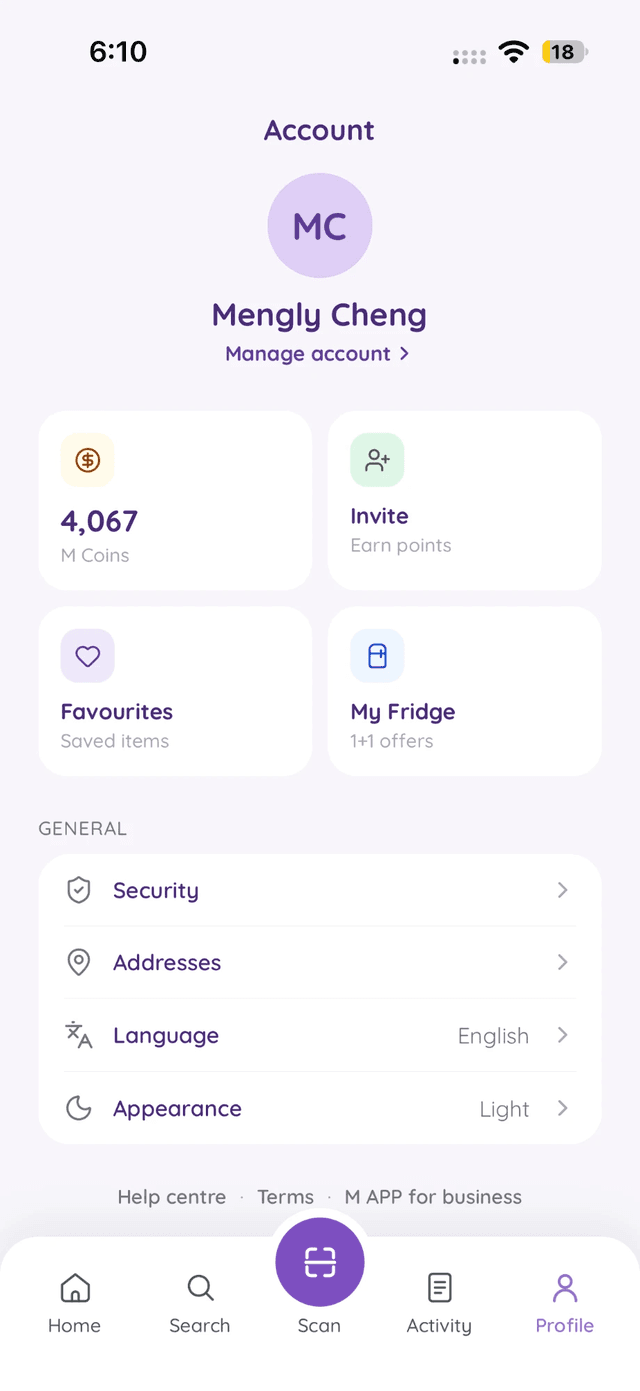
Start with your store, your Giftcard and the partners around you. One account, one M Giftcard, one set of M Coins.
M Mart
Shop the shelves of the store near you, see what is in stock, and pick up with your code when it is packed.
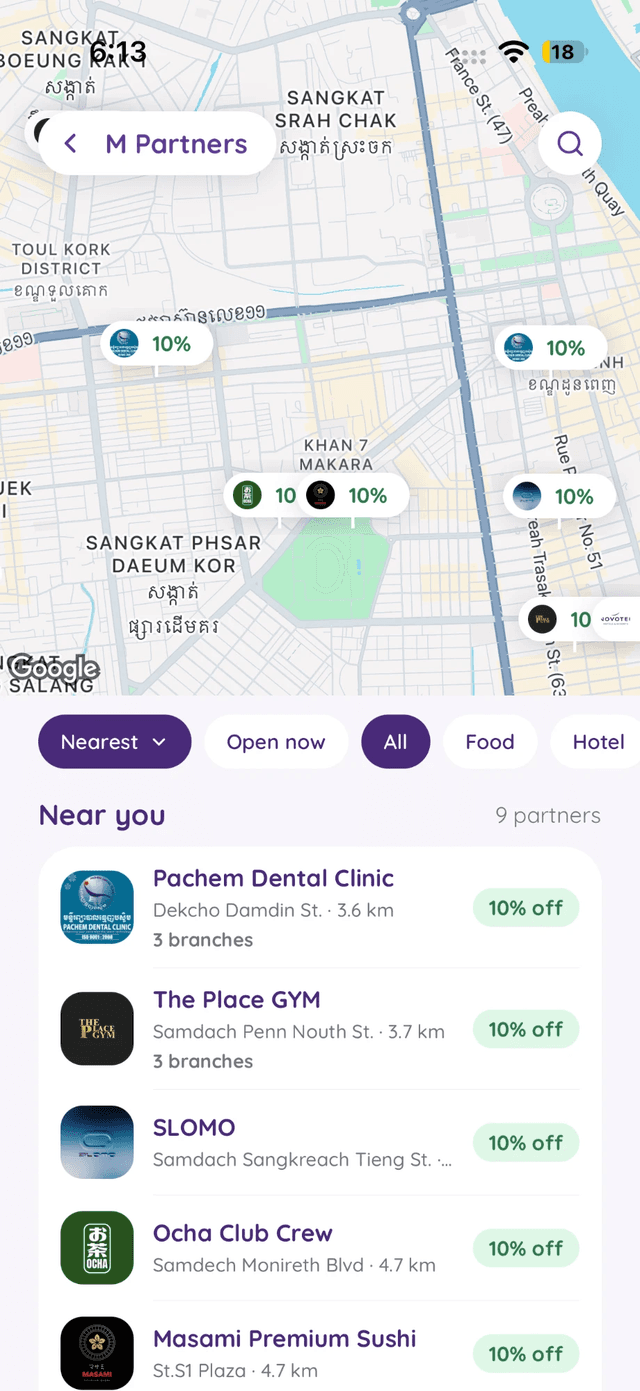
M Partners
Clinics, gyms, restaurants and more. Show the app for your discount, or pay with your M Giftcard.
M Giftcard and M Coins
Buy M Giftcard with ABA KHQR, then spend it with a scan at any M Mart counter and at partner shops.
Free on the App Store and Google Play.
We send a one-time code by Telegram or SMS. No password to remember.
Choose your nearest M Mart and start shopping, paying and earning.
Yes. The app is free to download and use. You only pay for what you buy.
Tap Buy Giftcard on the Home screen, choose an amount from $1 to $500 and pay with ABA KHQR. We charge no fee, and your Giftcard is ready as soon as ABA confirms the payment.
No. M Giftcard is a prepaid gift card for M Mart and M Partners, kept in the app for your own use. You can only spend it with us and our partners: it can’t be cashed out, moved to a bank account or sent to another person. It is not a bank account or a deposit, and it earns no interest.
Every purchase needs your PIN or Face ID. You sign in with a one-time code, and you can sign out every other phone from Devices in your account.
You choose at checkout: we remove the item and refund it to your M Giftcard, or we cancel the whole order and refund you in full. We never swap in a different product.
Not while you use MSuper. If you make no purchase, buy no M Giftcard and redeem no M Coins for 12 months, your M Giftcard balance and M Coins are removed. We remind you before that happens.
In the app, go to Profile, open your account details and tap Delete my account. Spend any M Giftcard balance first. You have 30 days to change your mind. How account deletion works
For business · M Partners
Members find you on the map in the app, show it at your counter for their discount, and can pay with their M Giftcard.
Scan with your phone camera, or tap your store.